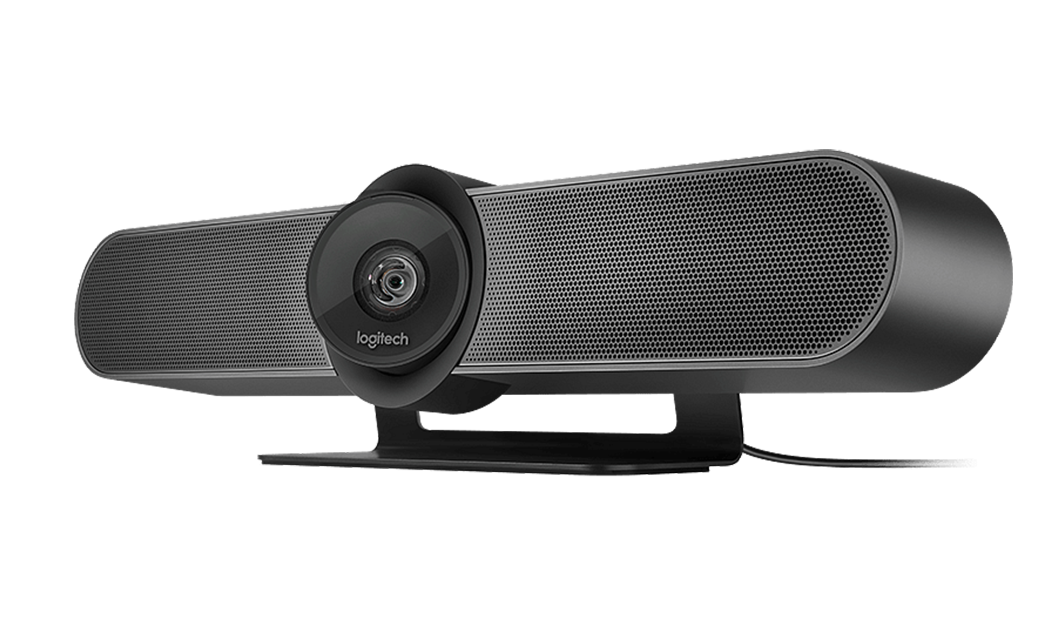
Logitech MeetUp 2
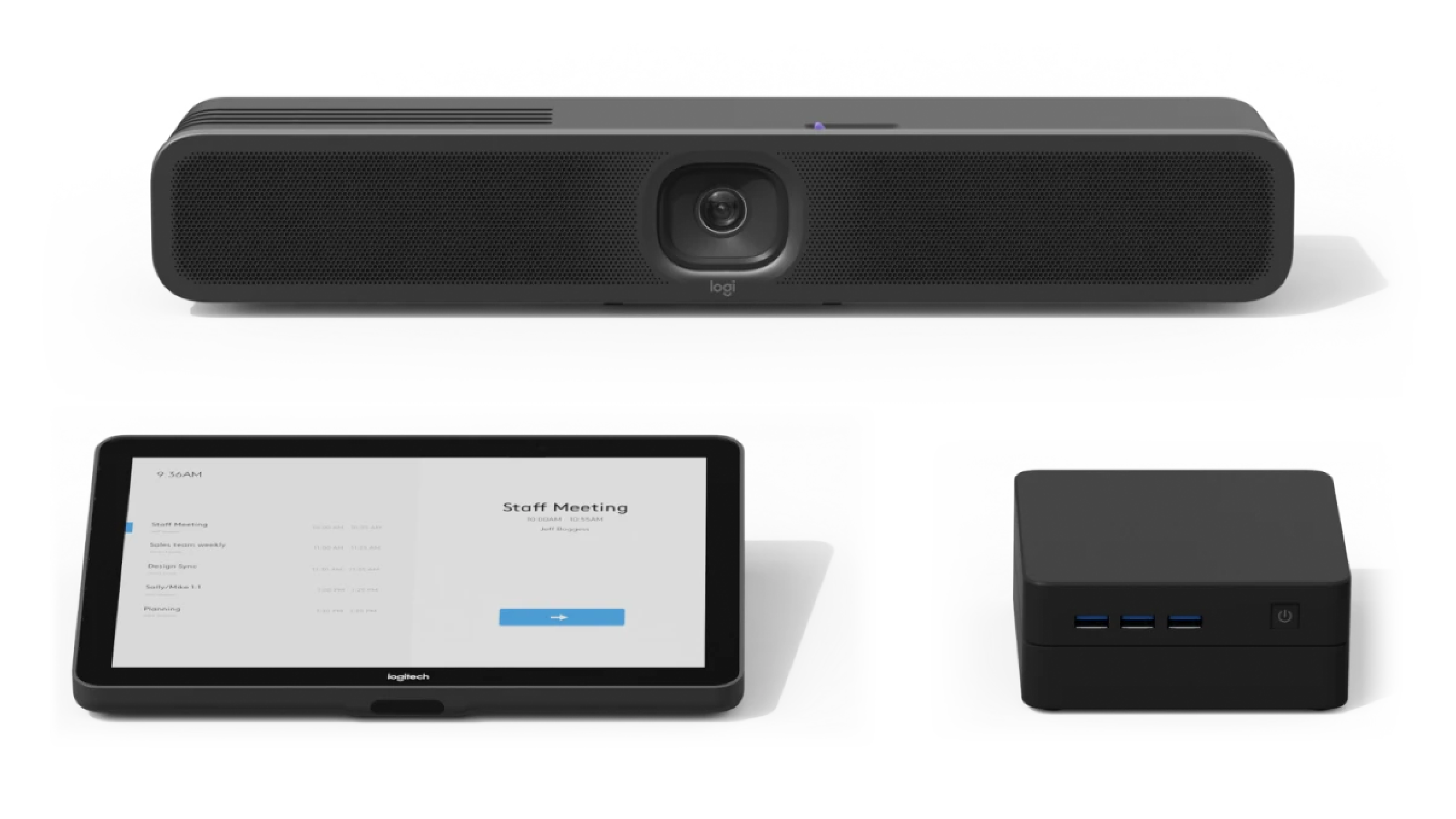
Logitech MeetUp 2 – Smooth, Reliable Video Conferencing for Every Meeting
The Logitech MeetUp 2 is a recommended solution for small to medium-sized meeting rooms, designed to enhance collaboration with crystal-clear video and exceptional audio. Perfect for huddle spaces, boardrooms, or hybrid work setups, MeetUp 2 integrates seamlessly with leading video conferencing platforms to bring your team together effortlessly.
Why Choose MeetUp 2 with Komstadt?
At Komstadt, we ensure your workspace is future-ready. MeetUp 2 is more than just a camera—it’s an investment in seamless hybrid collaboration. Our team helps with installation, integration, and support so your meetings are productive from day one.
Optimized for Workspaces: Connects effortlessly with AV systems, smart pods & collaborative tools.
Reliable Performance: Engineered for consistent quality even in demanding office environments.
Future-Proof Technology: AI-powered features ensure your video conferencing solution stays relevant.
Ideal Use Cases
Hybrid team meetings
Client presentations
Boardroom discussions
Huddle and collaboration rooms
Ultra-Wide Field of View
Capture everyone in the room with a 120° lens and adjustable framing.
Premium Audio
Three built-in microphones with advanced echo cancellation deliver natural, clear sound for all participants.
4K Video Quality
Sharp, high-resolution video for a professional meeting experience.
AI-Powered Framing
Automatic speaker tracking and room framing make every meeting smooth and engaging.
Plug-and-Play Integration
Compatible with Zoom, Microsoft Teams, Google Meet, and other leading platforms.
Compact & Modern Design
Sleek form factor fits neatly into any meeting space.