
Desk / Room / Pod Booking
Let people reserve desks, rooms and pods with a simple workflow that supports day-to-day workplace coordination.
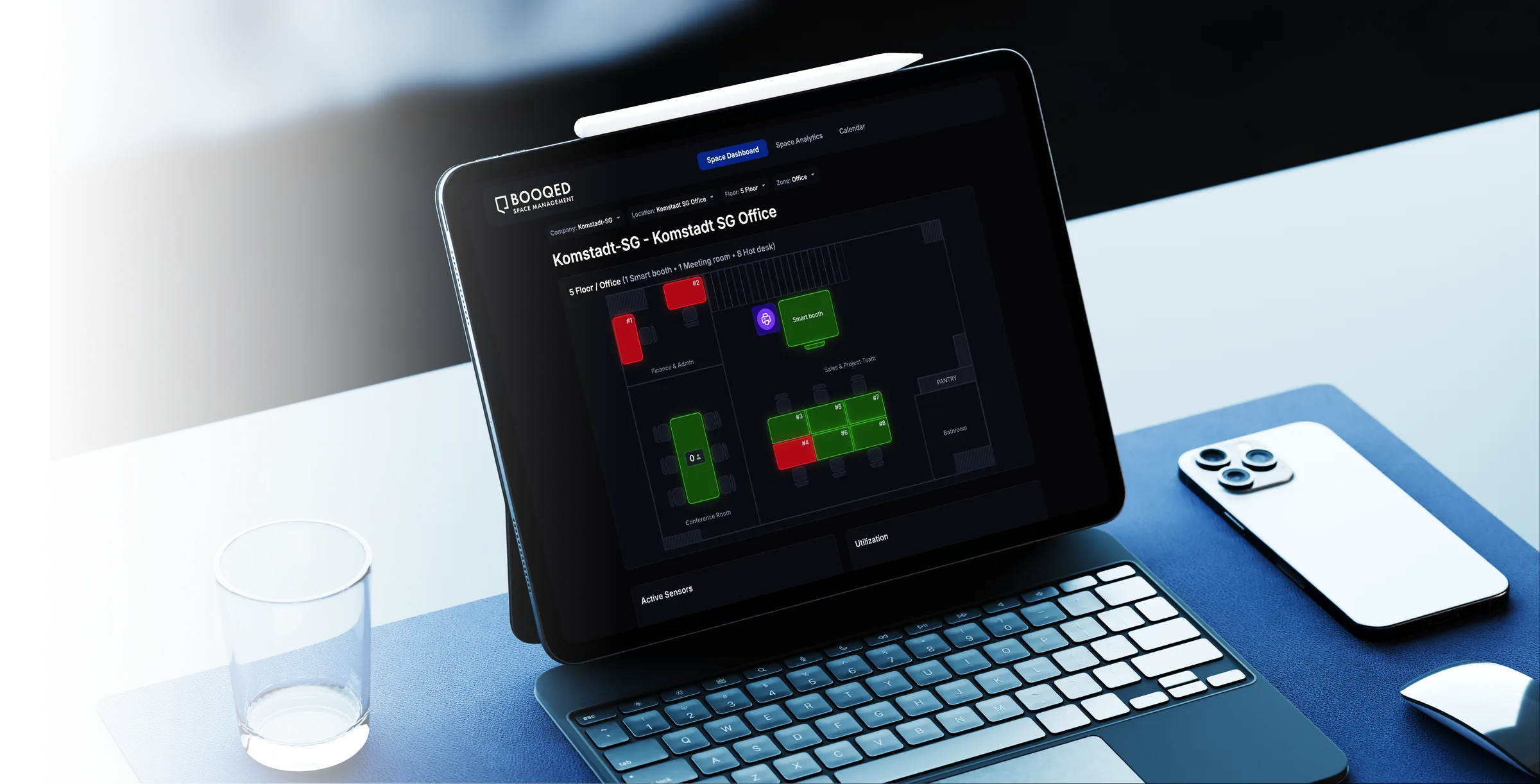
BOOQED Space Management
BOOQED combines booking software, IoT occupancy sensors and live dashboards so management can see how desks, rooms and pods are actually used across one office or a global portfolio.
Why it matters: office space is expensive. When every desk, room and shared area costs money, live visibility and management reporting help organisations reduce waste, rebalance capacity and make better decisions faster.
The Software Suite
Start with booking and occupancy visibility, then add the modules that help you monitor utilisation, strengthen access workflows and improve the ROI of expensive office space.
Let people reserve desks, rooms and pods with a simple workflow that supports day-to-day workplace coordination.
Give management live dashboards and reporting on occupancy, demand and usage across sites, floors and resources.
Use booking and sensor data together to identify underused space, rebalance capacity and reduce wasted footprint.
Connect bookings with QR, card or configured access workflows so spaces stay secure and access stays controlled.
Support secure, contactless payment workflows where paid booking or shared-space charging is required.
Why Space Management Matters
Office rent is one of the largest recurring costs for many organisations. The problem is that a booking calendar alone does not tell management whether desks, rooms and shared areas are actually being used.
When rent, fit-out, utilities and support are spread across a workplace portfolio, underused space quickly becomes a meaningful cost.
IoT occupancy sensors help management compare reservations with real presence, revealing no-shows, low-use areas and actual demand.
For organisations with offices across cities and countries, BOOQED brings usage information together so leaders can compare sites and make decisions from consistent data.
A live global dashboard helps management compare locations, understand occupancy patterns and make decisions from one consistent view.
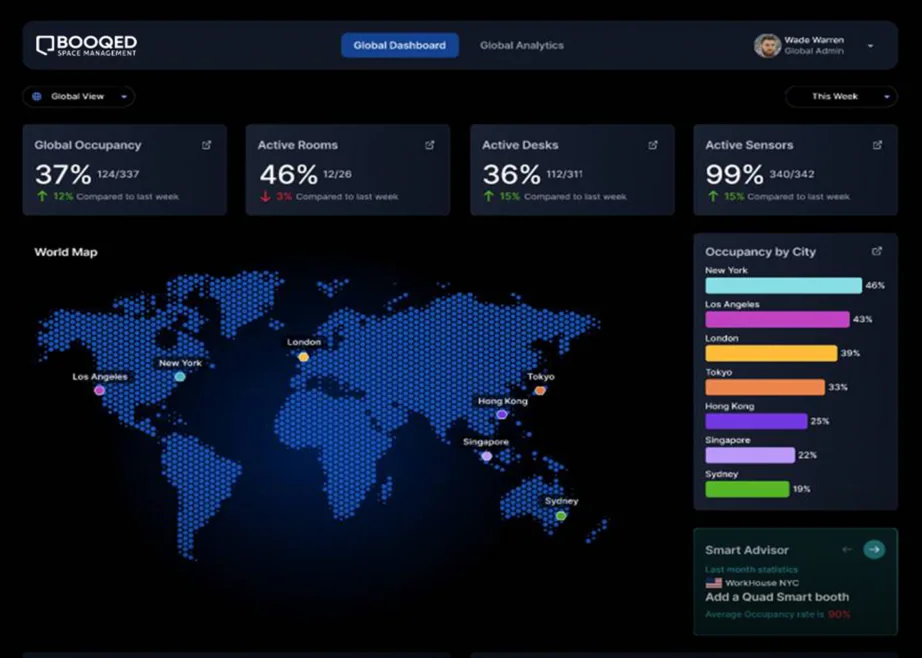
Live Dashboards & Management Reporting
BOOQED combines booking activity with IoT occupancy data to create a real-time view of how space is performing across offices, floors and resource types.
Management can see demand, utilisation and occupancy patterns as they happen, then use those trends for planning, consolidation, reconfiguration and future workplace investment.
Explore Analytics & Dashboard →See what is being used now—not only what was reserved.
Compare locations, floors and space types through one management view.
Give workplace and finance teams clearer evidence for capacity and cost decisions.
Identify patterns that support consolidation, rebalancing or future expansion.
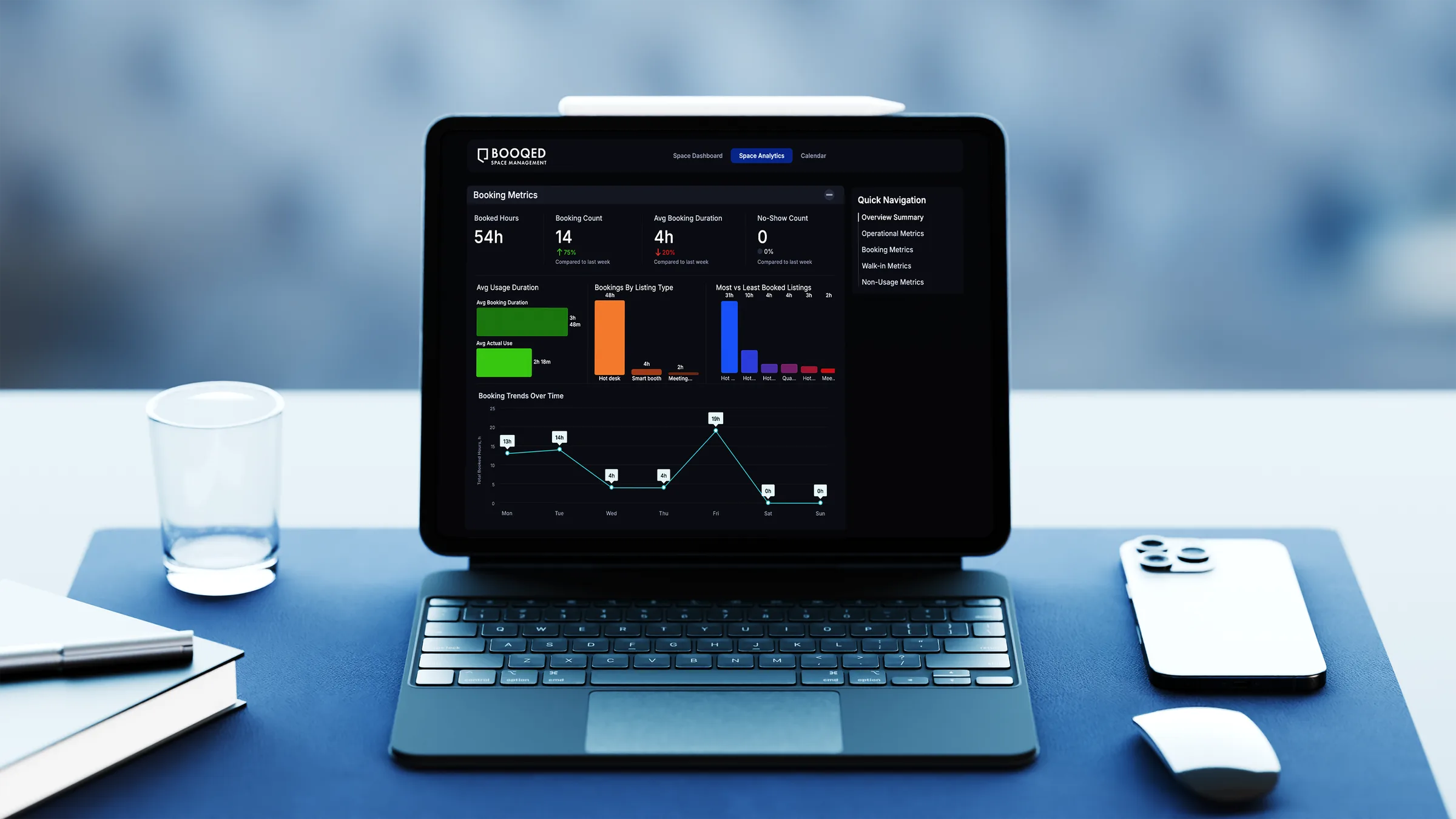
Connected Physical Layer
Pair BOOQED with IoT occupancy sensors, gateways, access readers, controllers and smart lockers so the platform reports what is really happening in the workplace.
Capture real-time occupancy and utilisation so dashboards and reports are based on live workplace activity.
Connect authorised access to bookings, approved users and configured workflows.
Extend the user journey with reservable storage and automated access as part of the workplace experience.
Questions, answered
Because once space is paid for, the next priority is using it better. BOOQED helps management see what is underused, overused or poorly balanced so future decisions are based on evidence.
Yes. BOOQED is designed to support visibility across one site or a wider workplace portfolio, helping teams compare usage and performance across multiple offices.
Bring your desk, room or pod counts, current booking setup, locations, and the decisions you want better reporting to support. We can focus the demo on the workflow that matters most.
Planning guide
A workplace booking system is more useful when employees can find suitable spaces and workplace teams can understand how offices are actually used.
Space management tools help organise desks, meeting rooms and other bookable facilities while providing visibility into resource availability and utilisation.
People counting and utilisation trends can inform conversations about room supply, desk capacity and the kinds of spaces people use most often.
Start with the spaces employees need to reserve and the workplace data managers need to understand. A review of room types, booking patterns, user groups and desired reports can clarify the right configuration.