BOOQED · Booking

Book Desks, Rooms & Pods.
Then Unlock.

Create a cohesive booking journey across desktop and mobile booking with integrated access hardware. Workplace2GO and BOOQED bring software, devices and bookable spaces together in one clear experience.

  • Desktop & mobile booking
  • Meeting rooms, desks & smart pods
  • Integrated access workflow
  • Clear workplace visibility
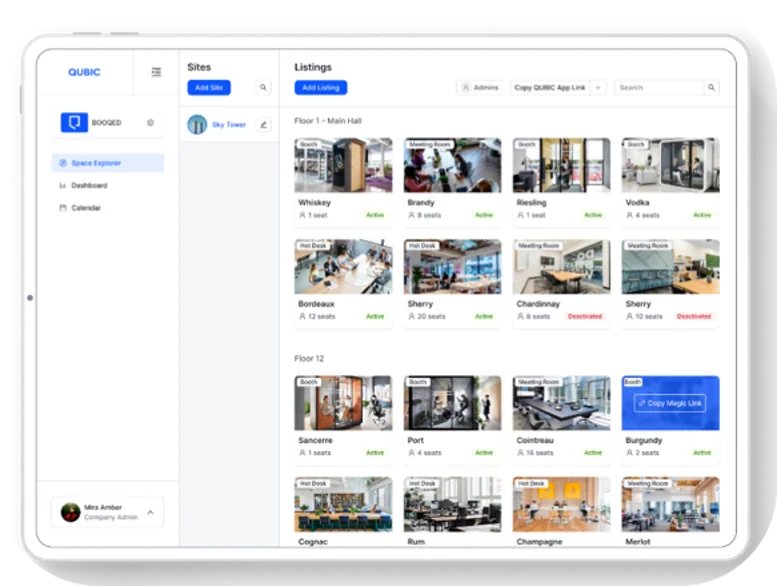
BOOQED listing interface
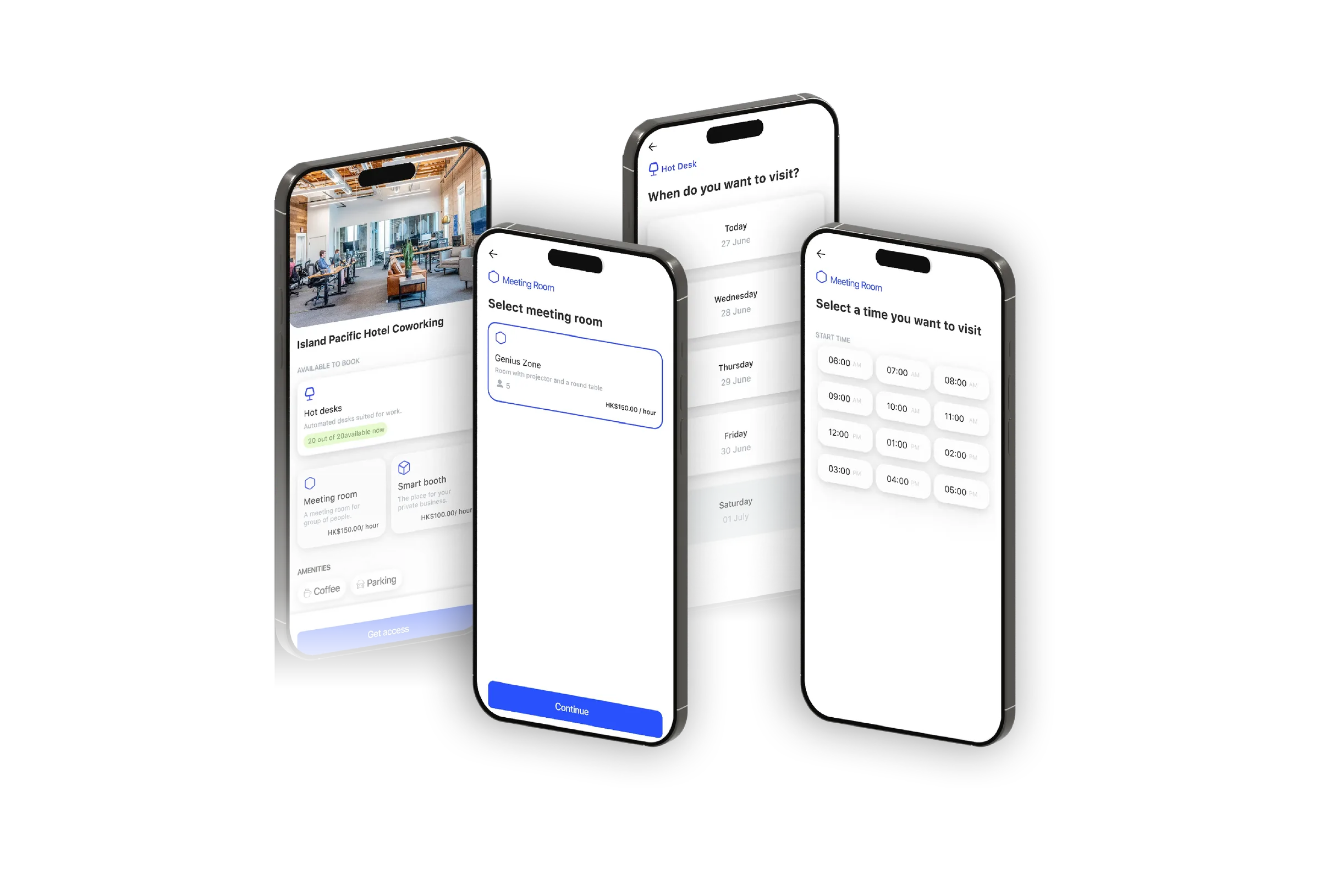
Mobile booking screens

Booking software

One Platform.
Multiple Views.

Move between reservation calendars, dashboard oversight and mobile booking without losing the continuity of the user journey.

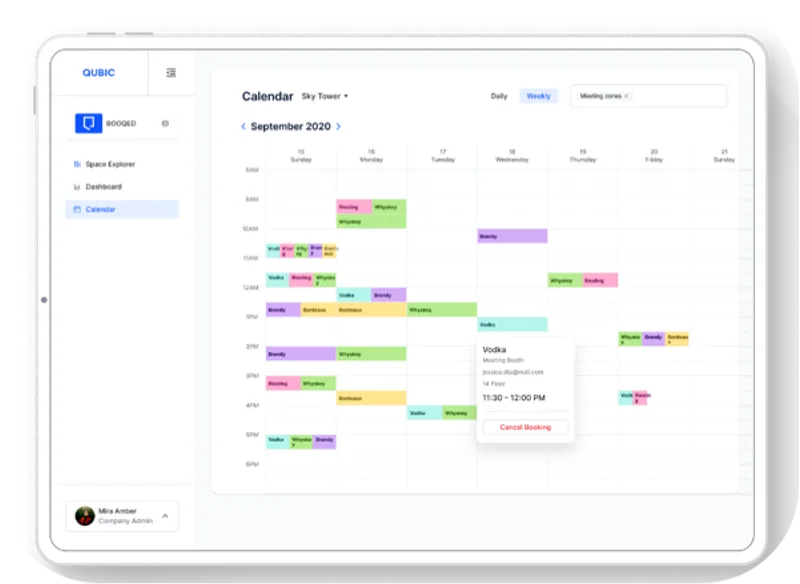
BOOQED calendar and reservation view

Calendar & Reservation View

Review day and week schedules, inspect bookings and manage reservations across desks, rooms and pods from one connected booking workflow.

Users can browse desks, meeting rooms and pods from a single booking environment, while workplace teams gain calendar visibility, tagged listings and floor-level monitoring.
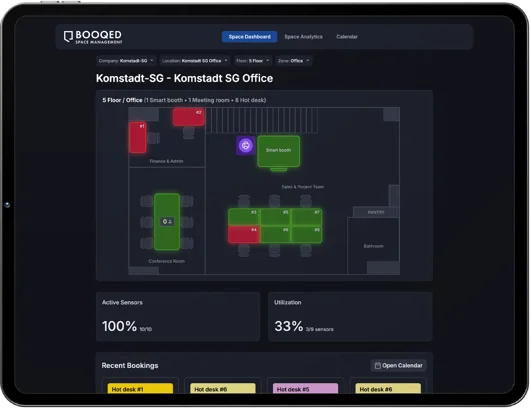
BOOQED space dashboard

Space Dashboard

Bring together bookable resources, availability and space status to give workplace teams a practical operational view.

BOOQED mobile booking screens

Mobile Booking

Give users a practical way to reserve desks, rooms and pods while they are on the move, with booking details carried directly on their device.

01

Browse Resource Types

See desks, meeting rooms and pods from one connected booking environment.

02

Check Schedules

Compare calendar and listing availability quickly so users can choose the right time and space.

03

Confirm on Mobile

Carry the reservation journey onto mobile for quick review while away from the desktop.

04

Support Workplace Teams

Give administrators clear visibility into inventory, activity and day-to-day booking operations.

Smart access workflow

From Booking Confirmation
to Entry and Exit.

The booking experience extends beyond software. BOOQED can work with confirmation workflows, access readers and touchless release hardware to complete the user journey.

Mobile booking screens
01

Book on Mobile or Desktop

Users select desks, rooms or pods, choose a date and time, and complete the reservation from desktop or mobile.

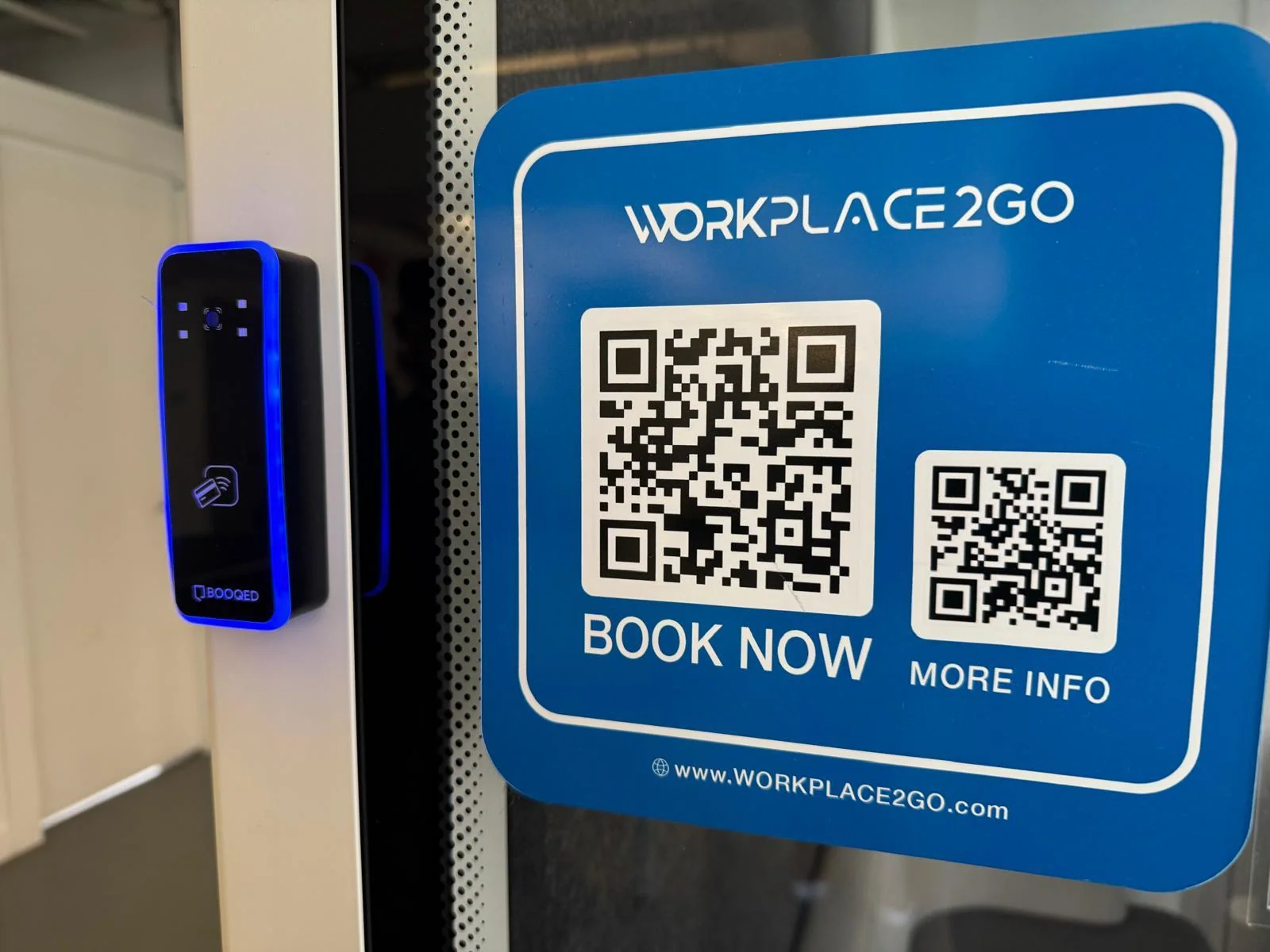
QR code sign and smart access reader
02

Receive the Access Cue

Booking confirmation can be paired with QR code instructions and the relevant access workflow for the selected resource.

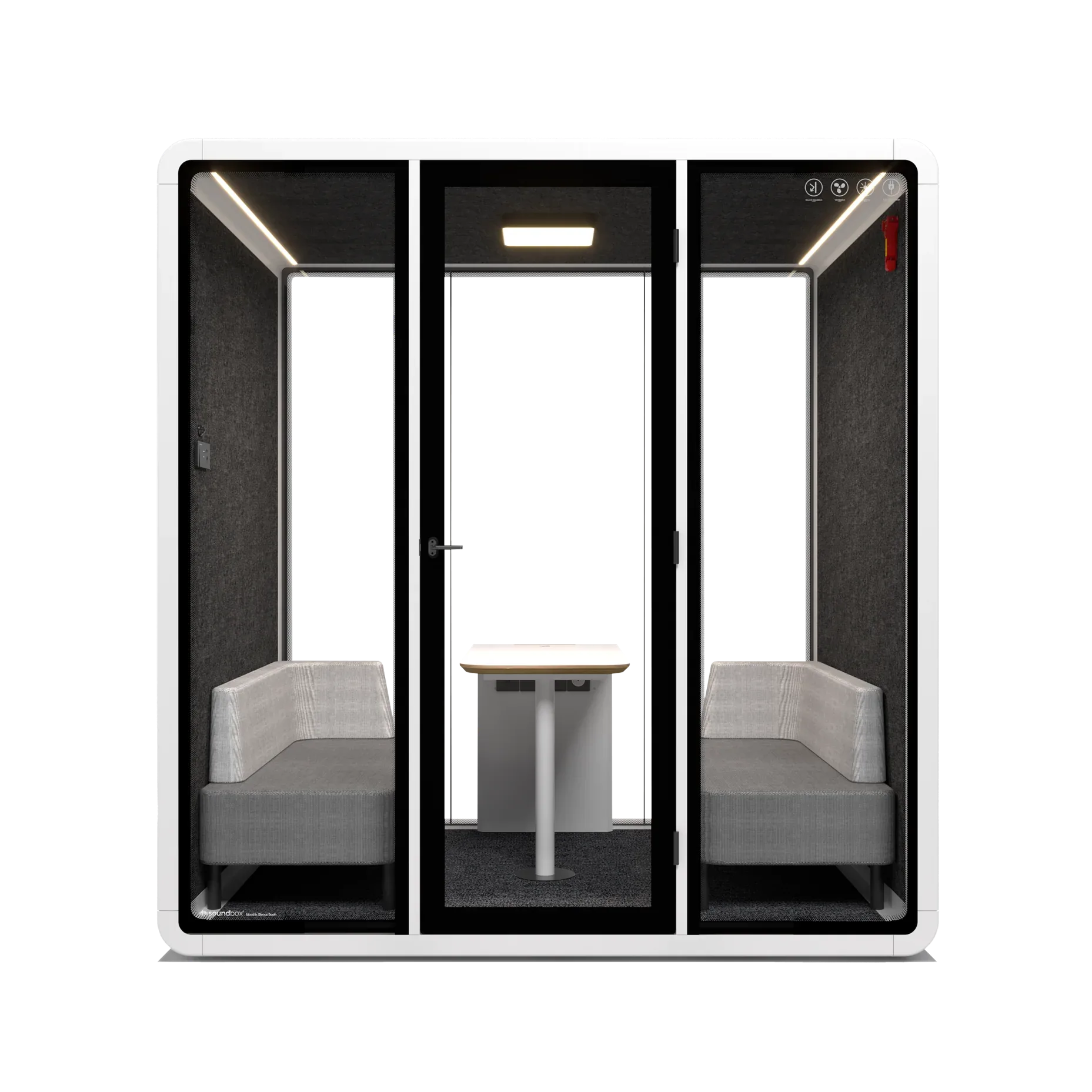
Workplace2GO quad pod
03

Unlock the Space

Integrated readers and pod access points support a controlled, professional arrival experience for enclosed workplace spaces.

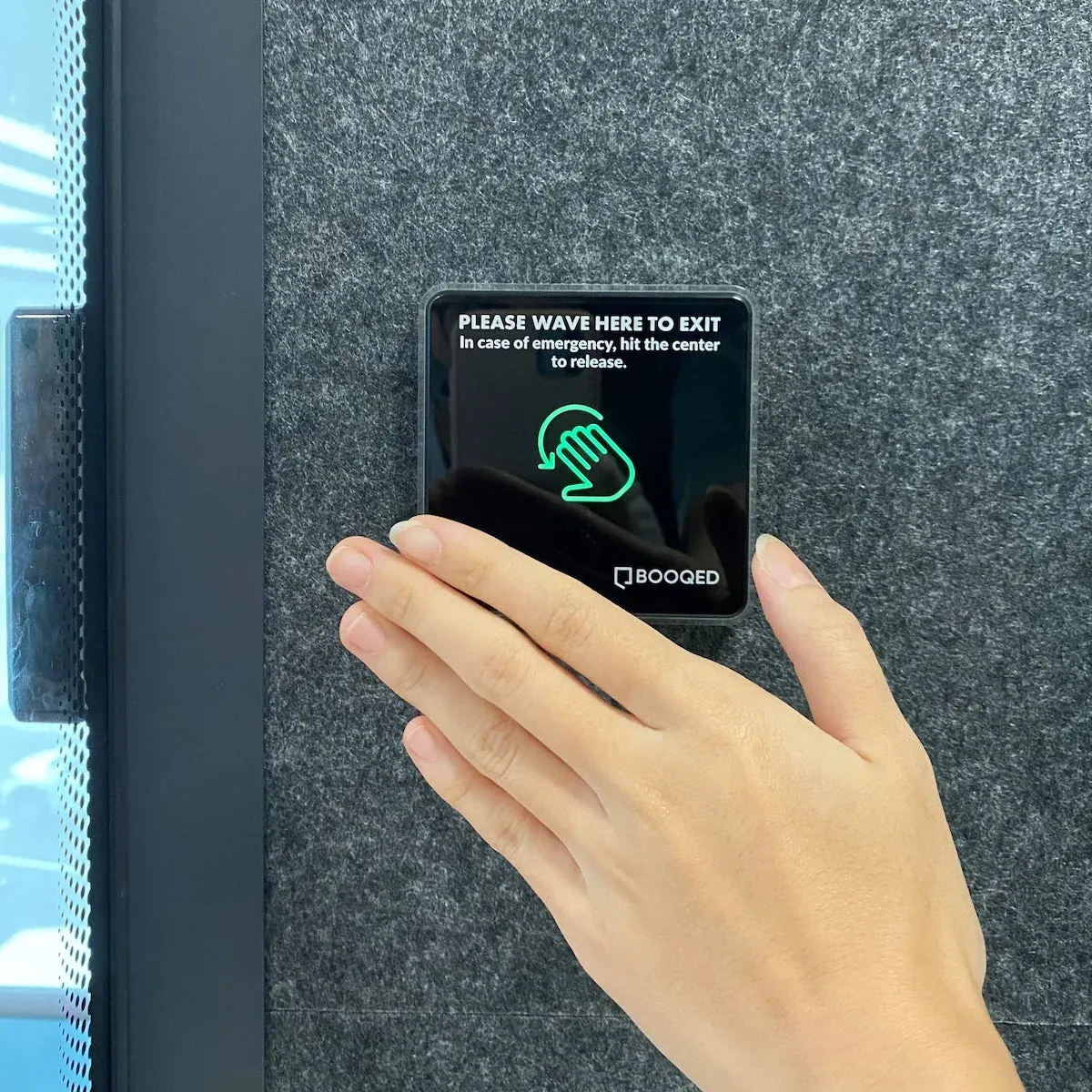
Touchless release button
04

Release on Exit

Touchless release hardware helps complete the access flow, keeping exit intuitive while supporting a cleaner user experience.

Bookable resource types

Hot Desks, Meeting Rooms & Smart Pods.
One Cohesive Experience.

Workplace2GO combines BOOQED software, bookable resource types and integrated hardware so companies can manage open desks, enclosed meeting spaces and smart pods through one consistent user journey.

Desk environment

Hot Desks

Reserve hot desks and open workstations through the same simple workflow.

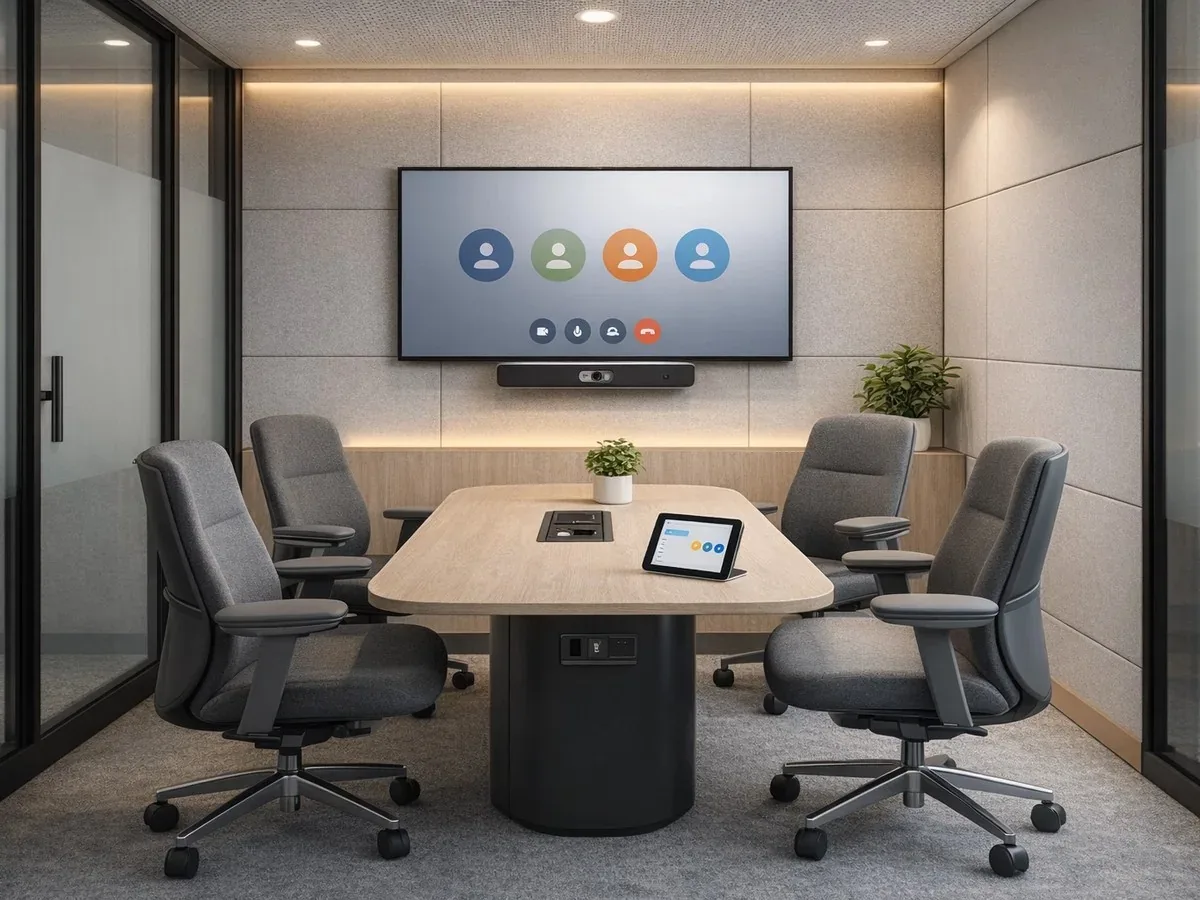
Meeting room environment

Meeting Rooms

Book enclosed collaboration spaces with the same scheduling and confirmation logic.

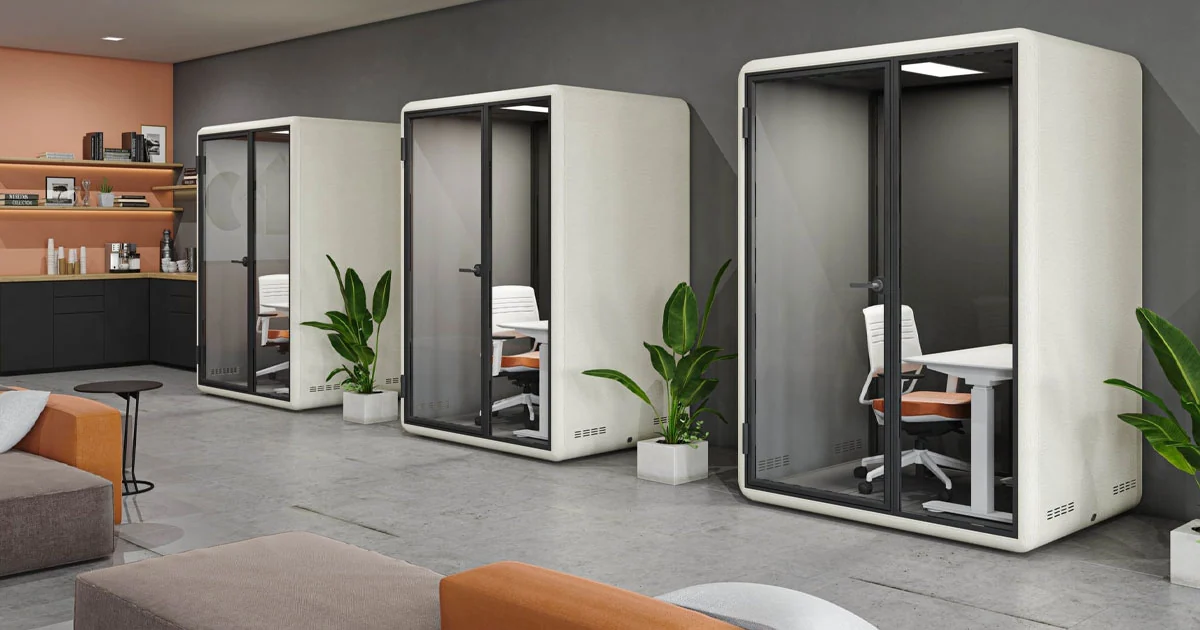
Smart pods in office environment

Smart Pods

Extend the journey to private pods for focused work, calls and small meetings.

Integrated Workplace2GO deployment

Bring booking software, mobile confirmation, access cues and smart pods together in one cleaner workplace journey.

Let’s talk

See Booking Against Your Actual Spaces.

Bring your resource types, locations and current calendar environment.

Book a BOOQED Demo

Planning guide

Room And Desk Booking Questions

A practical office booking workflow should help employees identify available spaces, reserve them from a convenient device and understand how to access them.

Can One Booking Solution Cover Desks And Meeting Rooms?

BOOQED brings desk, room and pod reservations into a connected workflow, with desktop and mobile booking views.

How Does A Booking System Support Smart Access?

Where the relevant hardware and configuration are deployed, a reservation can be coordinated with workplace access devices and related entry workflows.

What Should We Assess Before Introducing Workplace Booking?

Review the spaces to be booked, user groups, calendars, access requirements and how availability should be managed. A small pilot can help confirm the workflow before expanding to more locations.

What are you looking for?

Enlarged project site image