
Conferencing Solutions – Komstadt

Boardrooms · Conferencing Solutions

Conferencing
Solutions.

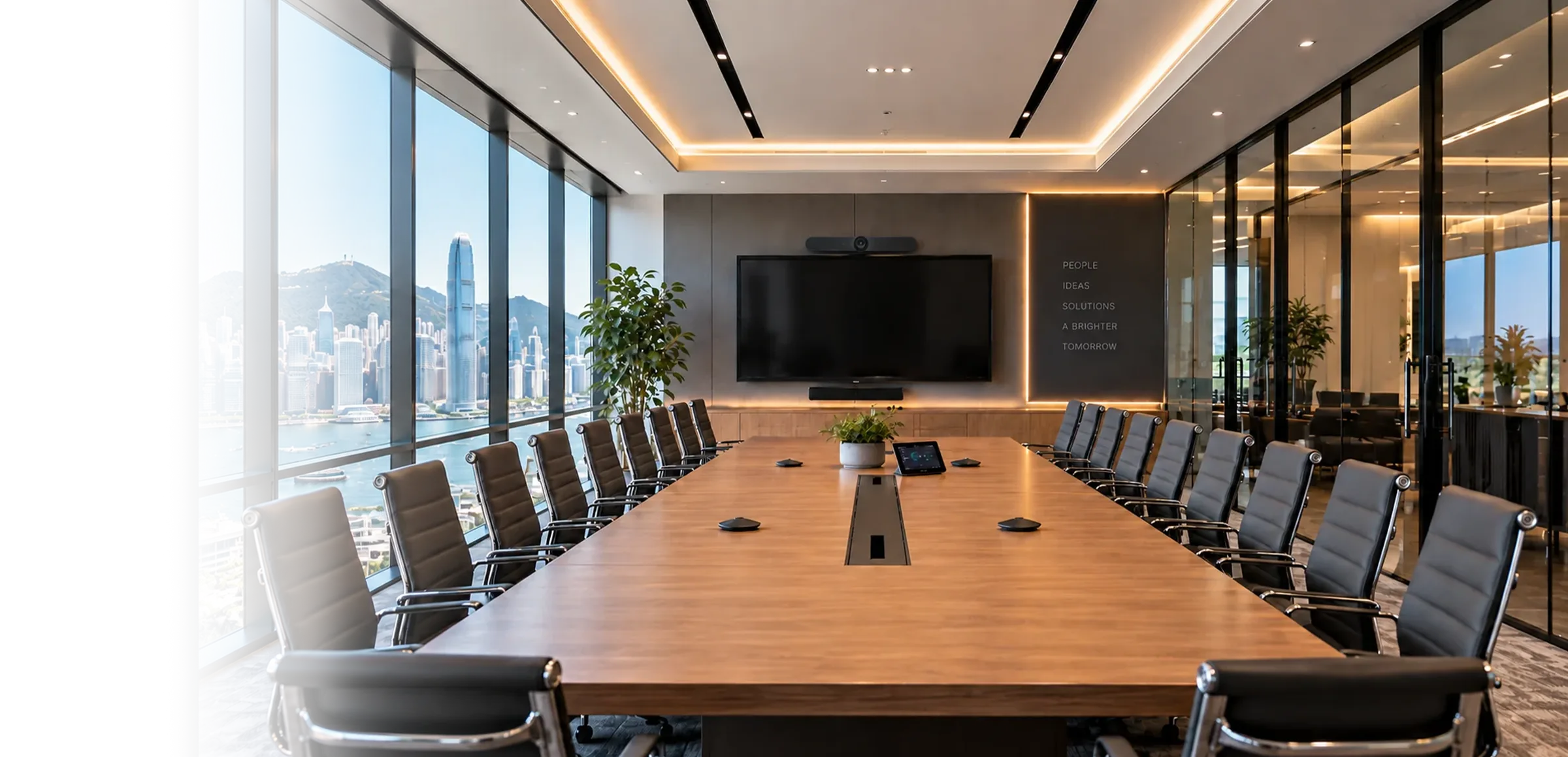
Cameras, codecs and video bars chosen for the room, the table and the platform—so remote participants feel present, not peripheral.

Choosing the right system

One Boardroom, Several Valid Approaches.

Cisco, Logitech and Poly Studio each offer capable boardroom systems, with different strengths in platform alignment, camera intelligence, scalability and management. The best choice depends on the platform you standardise on, the size and shape of the room, and how many rooms you need to manage.

Brands we design with

Conferencing Systems.

Explore three conferencing system approaches together on this page, including where each fits and what we consider at design stage.

Cisco Conferencing Systems – Komstadt AV
01

Cisco Conferencing Systems

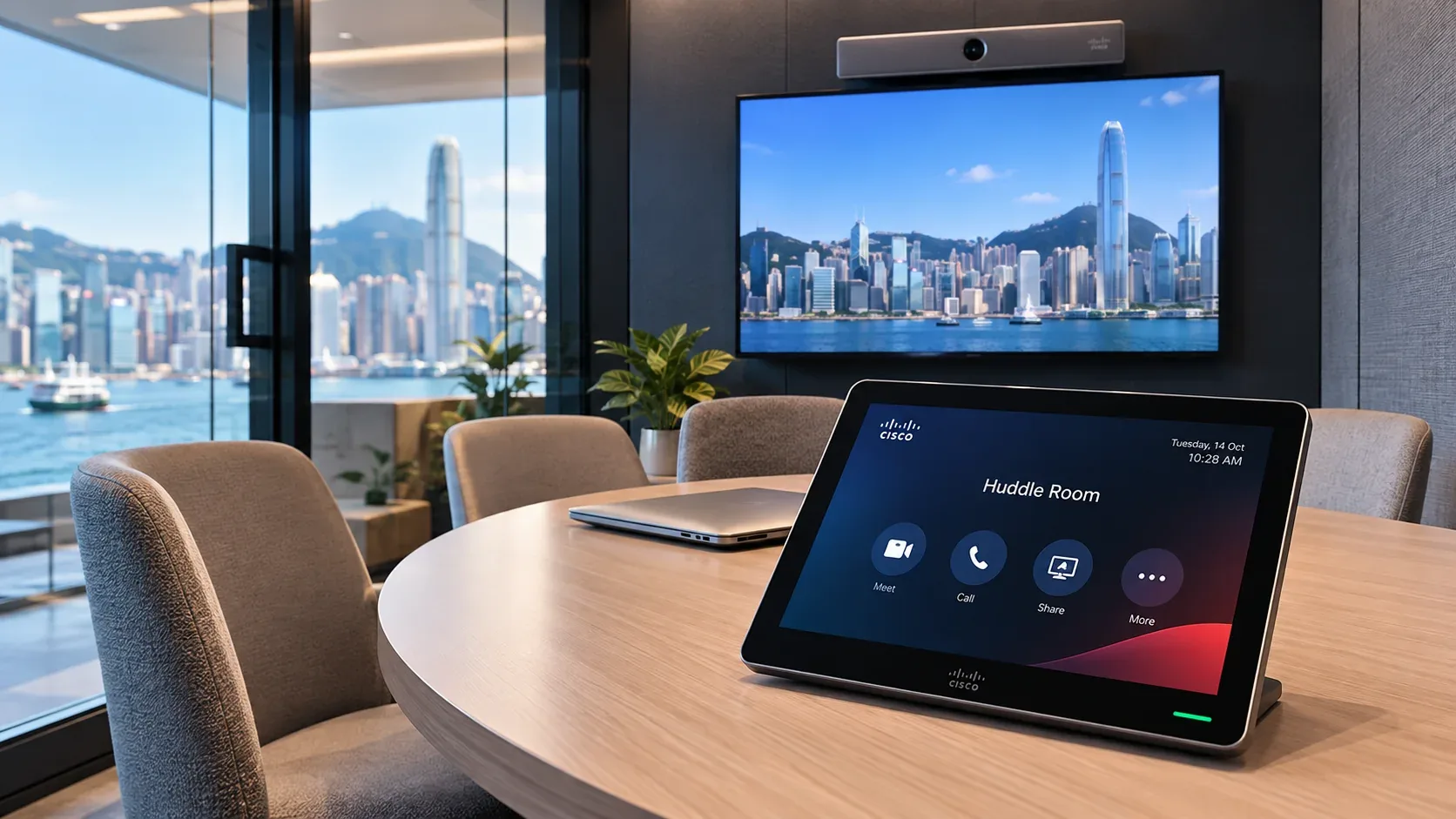
Room Series devices for organisations built around Webex, with strong multi-camera and management options.

Room Bar / Room Bar Pro

All-in-one video bars for small to mid-size meeting rooms, with integrated camera, microphones and speakers.

Room Kit EQ / Room Kit Pro

Modular systems for larger boardrooms, supporting external cameras, microphones and displays for tailored coverage.

Board Pro

All-in-one touch display combining video conferencing and digital whiteboarding for collaborative rooms.

Touch controllers

Table or wall-mounted controllers for one-touch join and simple room operation.

Cisco is a natural fit for Webex-centred organisations and centrally managed meeting-room estates. Planning considerations include licensing, camera coverage, microphone and DSP design, display placement, and network readiness.
Logitech Conferencing Systems – Komstadt AV
02

Logitech Conferencing Systems

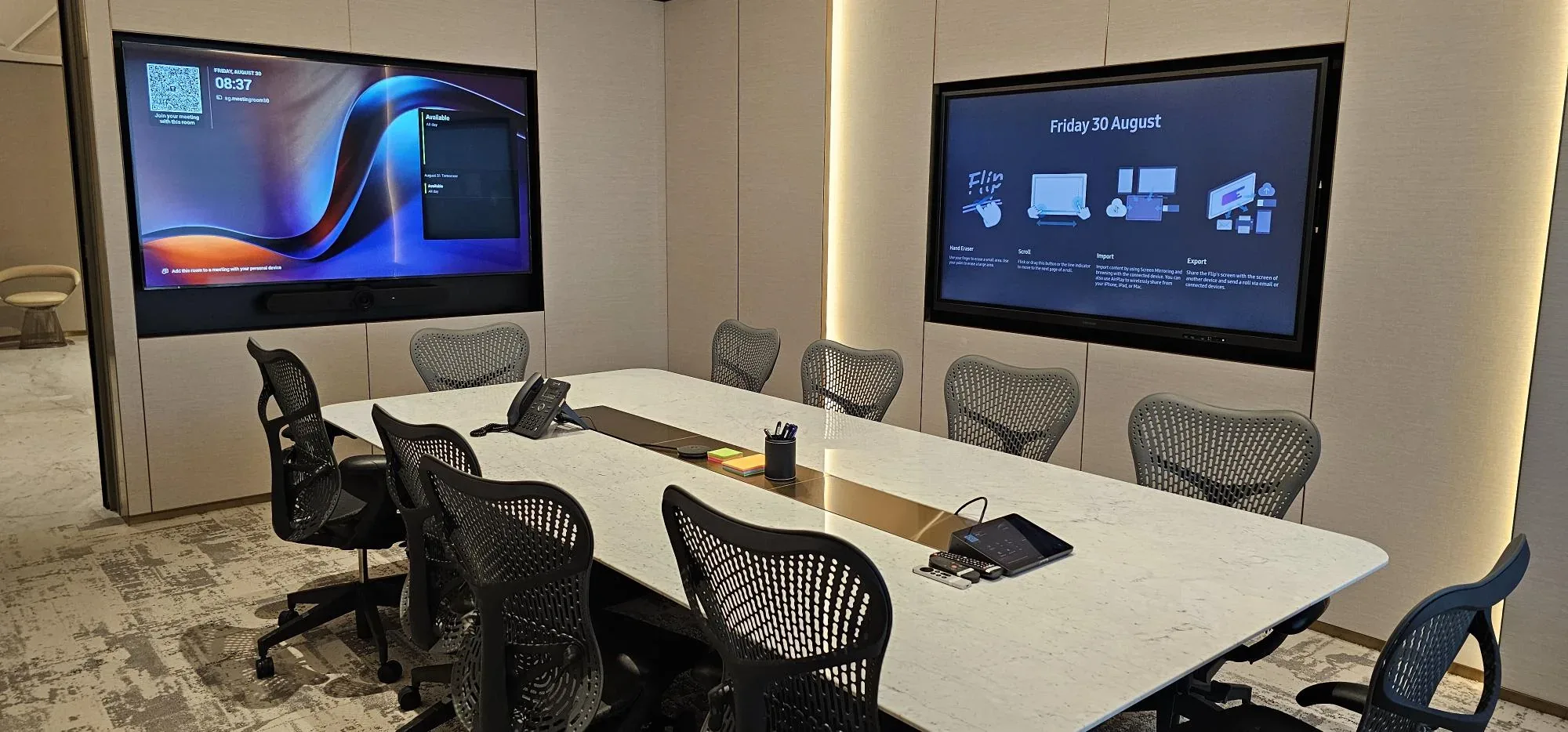
Rally video bars and modular systems with Tap controllers, suited to Teams and Zoom rooms at scale.

Rally Bar / Rally Bar Mini

Integrated video bars combining cameras, microphones and speakers for streamlined conferencing in small and medium-sized rooms.

Rally Plus

Modular camera and audio components for larger boardrooms requiring more flexible speaker and microphone placement.

Tap / Tap IP

Touch controllers that simplify meeting joins and provide a familiar room interface.

Room management

Remote device monitoring and management through Logitech Sync, depending on deployment.

A practical choice for Microsoft Teams Rooms and Zoom Rooms deployments, with room sizing, table coverage, platform certification and cabling shaping the final configuration.

Poly Studio Conferencing Systems – Komstadt AV
03

Poly Studio Conferencing Systems

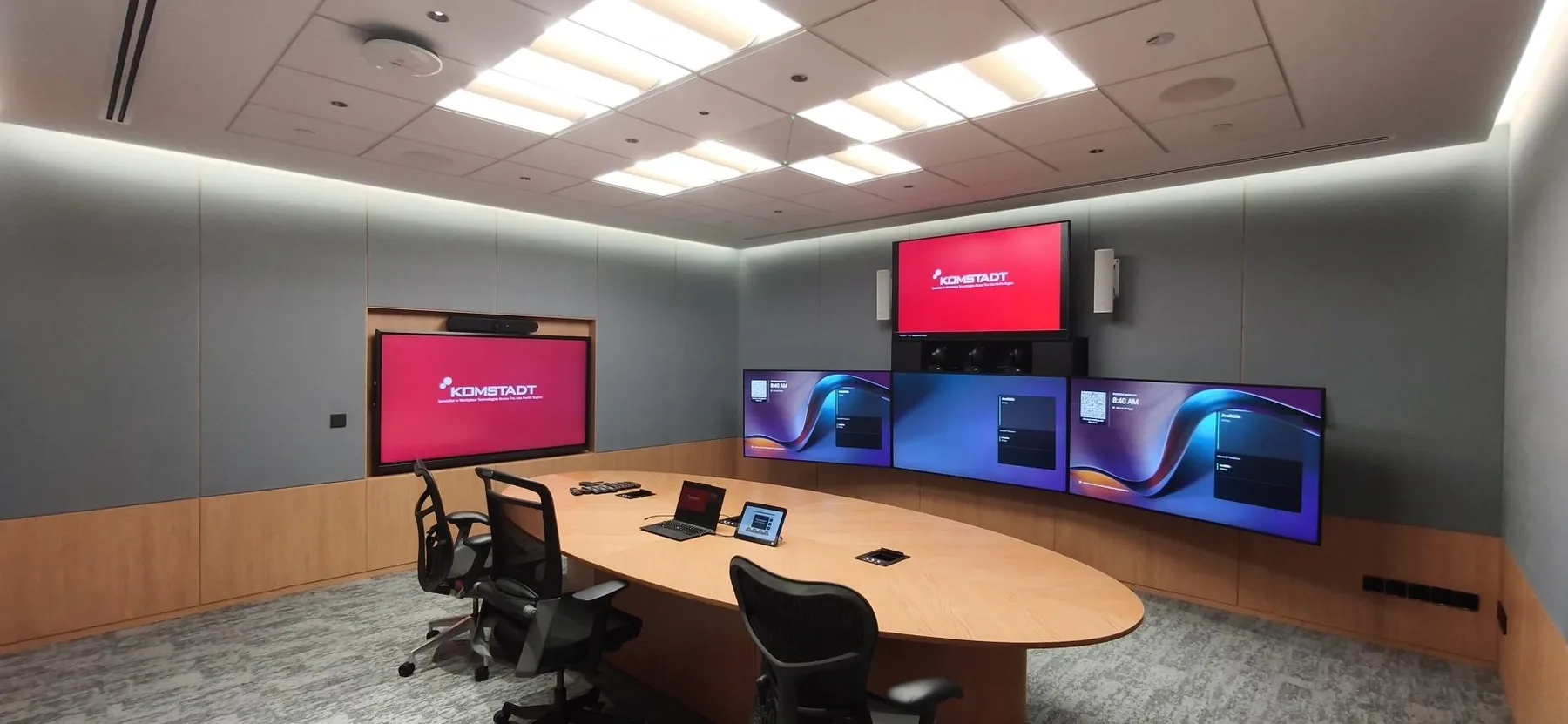
Studio X-series video bars with intelligent camera framing and speaker tracking.

Studio X Series

All-in-one video conferencing bars for meeting rooms, combining camera, audio and conferencing capabilities.

Intelligent camera framing

Automatic group framing and speaker-focused views help remote participants follow discussions.

TC-series touch controllers

Dedicated touch interfaces for straightforward meeting initiation and room operation.

Device management

Centralised administration and device monitoring options for multi-room environments.

A strong option for organisations prioritising simplified room operation, intelligent framing and consistent experiences across rooms. Confirm platform compatibility, licensing and audio coverage during design.

What we design around

Beyond The Camera.

01

Platform

Microsoft Teams, Zoom, Webex or Google Meet—and whether the room needs to switch between them.

02

Camera coverage

Single, dual or multi-camera framing, speaker tracking and presenter tracking where the room needs it.

03

Audio

Integrated bar audio, or dedicated microphone arrays and DSP for larger tables.

04

Content sharing

Wired and wireless sharing for guests, with simple, repeatable steps.

05

Control

A touch controller that starts the meeting in one step, linked to room control where needed.

06

Management

Remote monitoring, firmware management and alerts, so problems are seen before users report them.

Questions, answered

A Clearer Starting Point.

Which brand is best for a boardroom?

There is no single best brand. The platform, room size and number of rooms matter more than the badge. We compare options against your requirements and recommend one.

Can one standard be used across all rooms?

Often yes. Standardising on a family of devices simplifies training, spares and support. We can define a room-type standard for small, medium and large spaces.

Let’s talk

Which System Fits Your Boardroom?

Tell us the platform, room dimensions and how many rooms are involved.

Contact Us→

Planning guide

How To Choose A Corporate Video Conferencing System

Cisco, Logitech and Poly systems support different equipment configurations. The ideal setup depends on room geometry, meeting platform, IT administration and the user experience expected.

Is A Video Bar Enough For A Large Conference Room?

All-in-one video bars can simplify smaller rooms. Large tables and complex acoustics may call for modular cameras, additional microphones, DSP and carefully positioned speakers.

Should We Standardise On Microsoft Teams, Zoom Or Webex?

Start with the platform your organisation already manages. Confirm device compatibility, licences, security, network readiness and how the room will be supported before purchasing equipment.

How Should Microphones And Cameras Be Planned For A Conference Room?

Plan around table layout, seating distance, room acoustics and the far-end experience. Camera framing and microphone coverage should be tested together with the selected conferencing platform.

What are you looking for?

Enlarged project site image