
Single room · Training
- Displays
- Primary displays on, presenter and room sources available
- Microphones
- Presenter and room mics active
- Speakers
- Single zone, balanced for the room
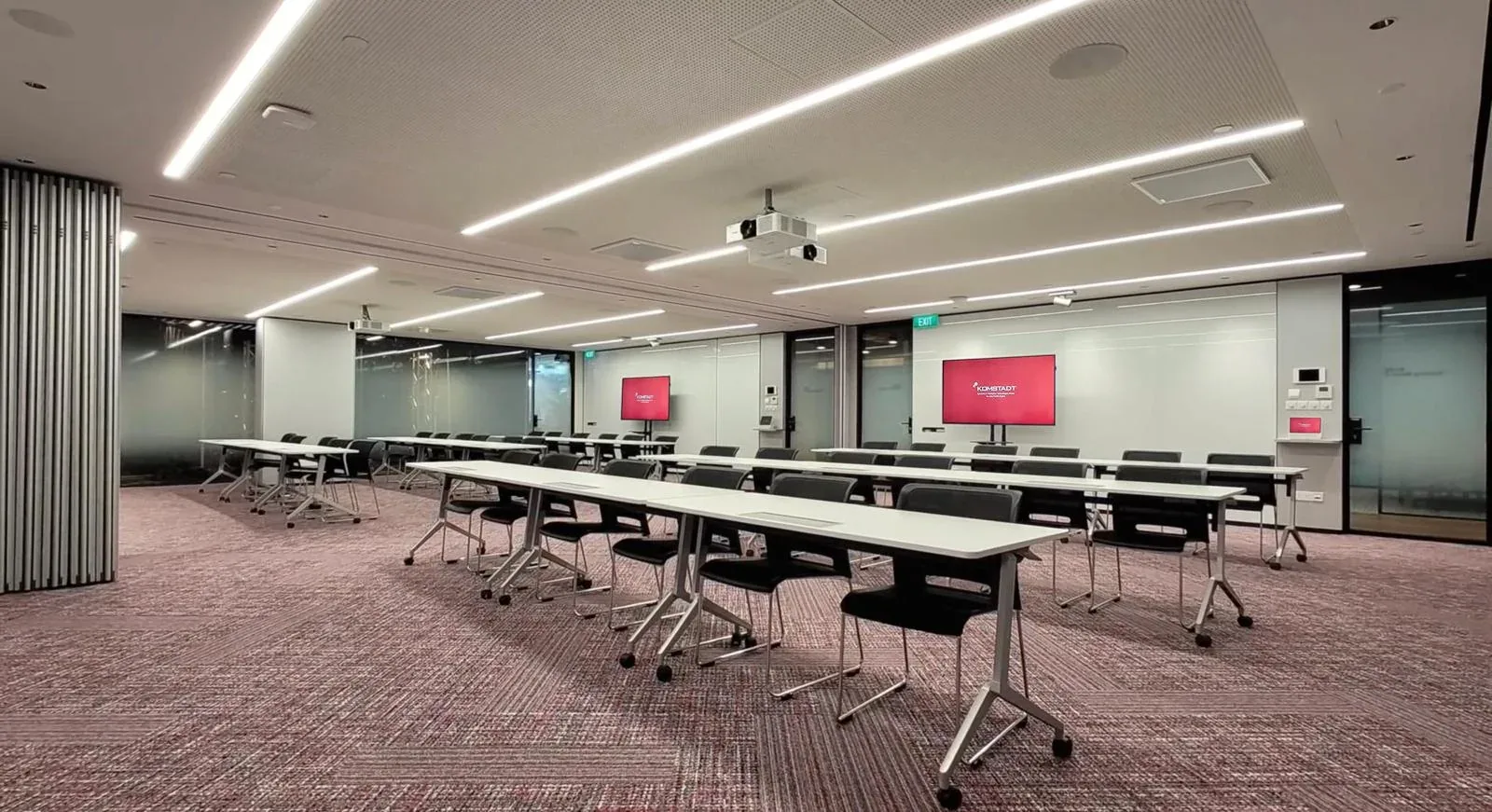
The challenge
Training and multi-purpose rooms change constantly: a single class in the morning, two sessions in the afternoon, and a combined town hall or workshop in the evening. Each layout needs different displays, microphones and speaker zones. Without control, trainers are left to reconfigure the technology themselves. With a well-designed control system, the room does it for them.
Room presets
The control system stores a preset for each configuration, so each use starts with the right settings.
What the control system manages
Source selection, display power and layouts for single and combined configurations.
Zoned microphone mixing, mute groups and presenter-priority behaviour.
Zone levels and routing that change when the room is combined or divided.
Partition position sensing can automatically select the correct combined or divided preset.
Optional scene control of lighting, blinds and projection screens.
Room status, usage and fault alerts visible to facilities and IT teams.
Designed for real users
Trainers should select a room mode, not manage technology. We design clear touch panels, sensible defaults and a manual override for exceptions.
For IT and facilities, we document the presets, standardise across rooms and support remote monitoring. Control can use Crestron or Extron platforms, and can connect to room booking through BOOQED.
Questions, answered
Yes. Sensors on the partition can tell the control system whether the room is open or closed, and the correct preset can be applied automatically or suggested to the user.
Yes. Presets can be adjusted as your use of the room changes, and we recommend a review after the first months of use.
Not always. For hybrid classes, we plan cameras and microphones for each configuration so remote learners can follow.