
System Controls – Komstadt

Boardrooms · System Controls

System
Controls.

One-touch meeting start, simple source switching and consistent operation, so every user can run the room without help.

Why control matters

The Best AV Is The AV Nobody Has To Think About.

Boardrooms often combine a conferencing system, displays, microphones, speakers, lighting and shades. A control system ties these together behind a simple interface so users press one button instead of managing each device.

Platforms

Control Platforms.

Crestron and Extron are both used in boardroom and enterprise AV. We recommend based on the room, your standards and your support model.

Crestron System Controls – Komstadt AV
01

Crestron System Controls

Control, touch panels and AV-over-IP with cloud-based monitoring.

One-touch room operation

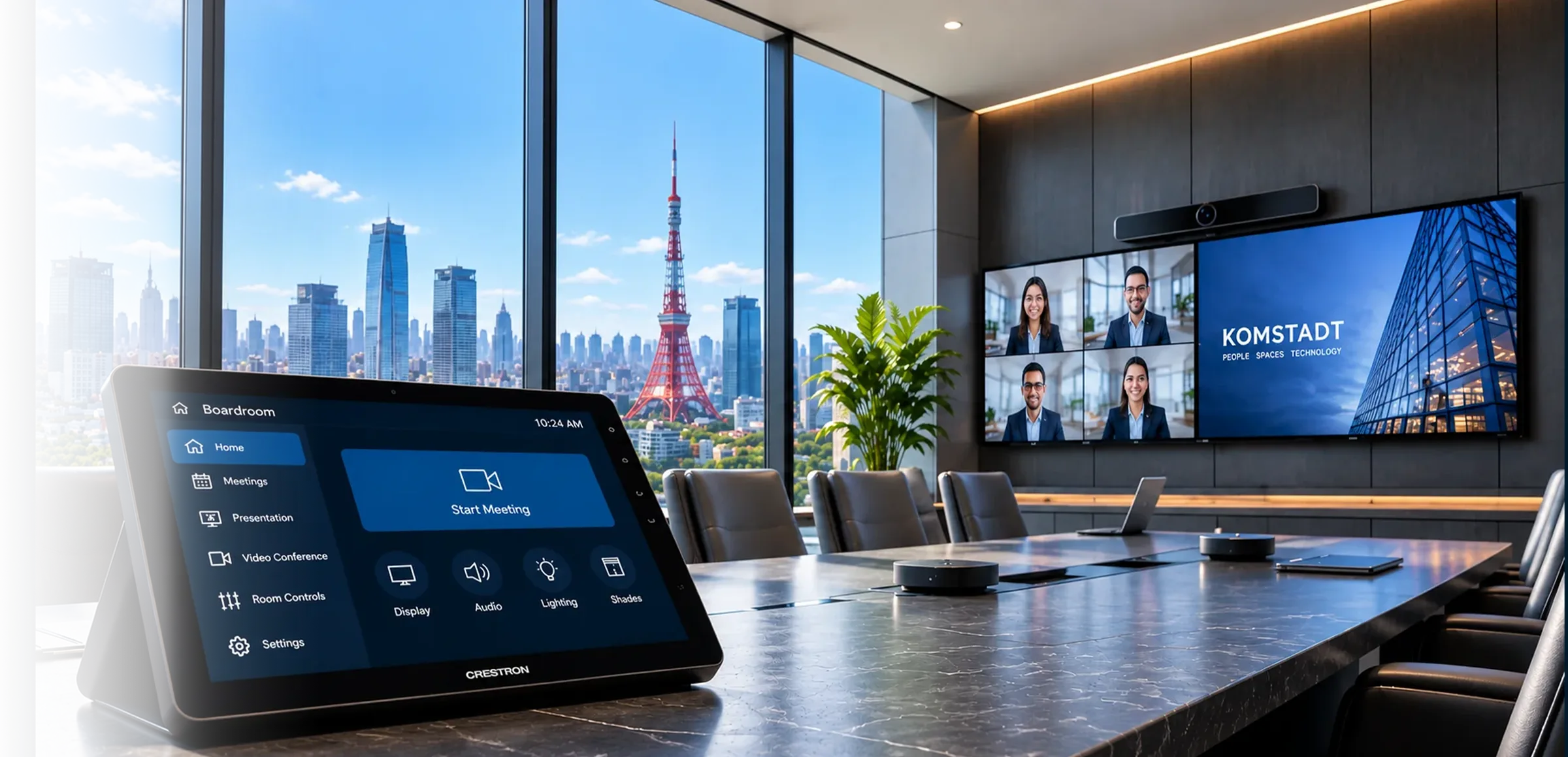
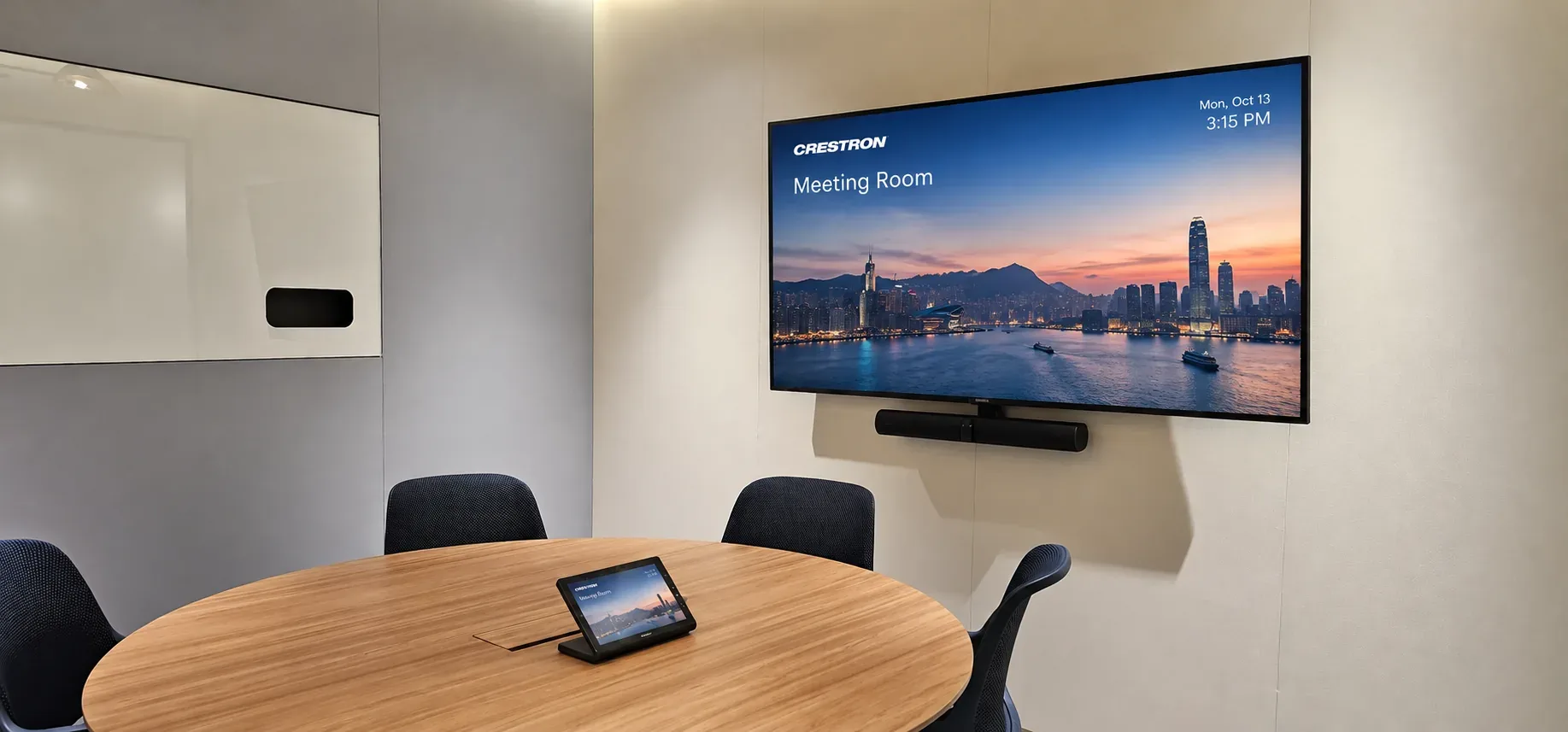
Crestron control systems bring displays, video conferencing, audio, lighting and other connected room functions into a consistent touch-panel interface. Meeting presets can simplify starting a call, choosing a presentation source and adjusting the room.

AV-over-IP and flexible signal distribution

Crestron DM NVX solutions can distribute audio and video over an IP network, supporting scalable routing between compatible sources and displays. The appropriate architecture depends on network readiness, signal requirements and room design.

Centralised management and support

Compatible Crestron systems can support remote device visibility and management through tools such as XiO Cloud. Komstadt can help plan control workflows, integration and ongoing support for a consistent user experience.
Extron System Controls – Komstadt AV
02

Extron System Controls

Control processors, touchpanels and switching with straightforward administration.

Intuitive control and automation

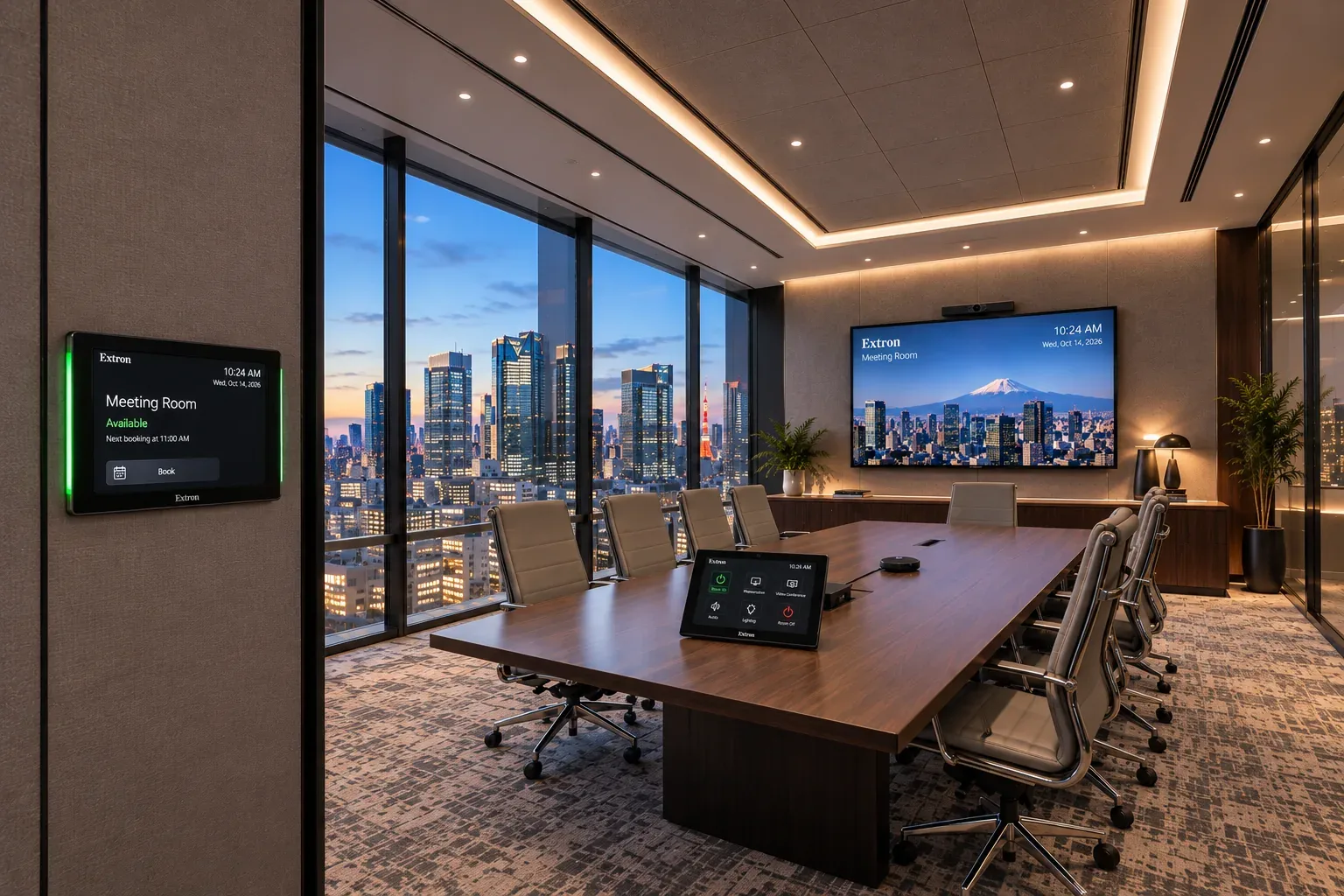
Extron control processors and TouchLink Pro touchpanels can unify conferencing, presentation switching, audio levels and room functions in an easy-to-use interface, with programmed presets for common meeting scenarios.

Professional switching and signal management

Extron offers AV switching, scaling, distribution and control technologies that can be combined to manage multiple presentation sources and displays. System design is tailored to the room layout and connected equipment.

Reliable operation and administration

Extron control platforms can be configured for device monitoring, scheduled actions and support workflows where supported. Komstadt designs and commissions the integrated system to help reduce everyday operational complexity.

What control delivers

Everyday Benefits.

01

One-touch start

Display, camera, audio and the meeting platform start together.

02

Source switching

Guest laptops, wireless sharing and the room computer selected from one screen.

03

Scene presets

Presentation, video call and standby modes set the room in one step.

04

Room integration

Lighting, shades and displays under a single interface where required.

05

Monitoring

Device status and usage visible to support teams.

06

Consistency

Every room behaves the same way, reducing training and support calls.

Questions, answered

A Clearer Starting Point.

Do all boardrooms need a control system?

Not always. Smaller rooms may be well served by a conferencing system’s own controller. Rooms with multiple displays, sources or building services benefit most.

Can control integrate with room booking?

Yes. Room panels can show availability, and booking data can drive automation. See BOOQED Space Management.

Let’s talk

Make Your Boardroom Easy To Run.

Share the equipment in the room and how it is used.

Contact Us→

Planning guide

Plan A Reliable Meeting-Room Control Workflow

Room controls simplify everyday actions such as joining calls, switching presentation sources and setting audio levels.

What Does An AV Control System Manage?

Crestron and Extron control solutions can bring displays, audio, source selection and meeting-room peripherals into a consistent touch-panel workflow.

How Do Room Controls Support Multi-Purpose Spaces?

Preset room modes can make common activities more repeatable, particularly in training facilities and divisible rooms with different layouts.

What Should Be Considered When Selecting A Room Controller?

Consider the room’s devices, common meeting tasks, user familiarity and IT administration requirements. The interface should make routine actions clear and provide a consistent experience across similar rooms.

What are you looking for?

Enlarged project site image